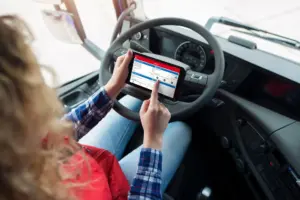
Digital formsDigitising processes and data collection

Digitize data capture, automate workflows.
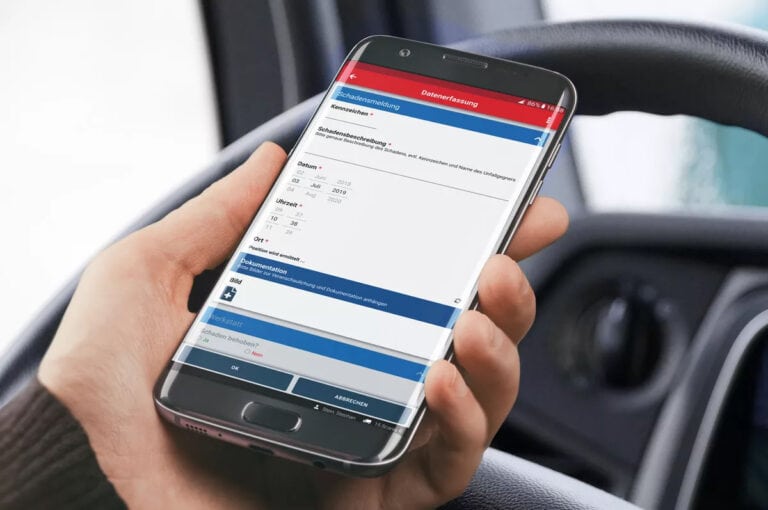
Digital Forms in the Telematics App, Trendfire Telematics
Telematics app for truck drivers

We want a system that works, offers accessible customer support, […] is continuously improved and maintained: What more could you ask for?

The cockpit for your fleet.Cockpit

From vehicle inspection to complex data analysis. All in one platform.

Flexible applications

The digital forms can be configured entirely according to your wishes for the respective purpose. Numerous fields are available to choose from: text fields, location and date selection, selection lists, signatures, images, drawings, file attachments, and much more. Possible applications include, for example:

  • Digital Departure Control
  • Documentation of a refuelling operation
  • Handover protocols
  • Daily Report
  • Claims
  • Vacation Request
  • Supplementing driver's license checks
  • or other checklists.

Logistics 4.0, digitise freight documents, digital supply chain

Automating everyday tasks with forms

The integration into the alarm system and the appointment management. enables further automation. If a form is linked to an appointment, the driver will be prompted automatically and regularly to complete the form. If they fail to do so, an alarm can be triggered in the telematics system. A possible use case for this would be, for example, a digital supplement to driver's licence checks as a complement to the legally required visual inspection.
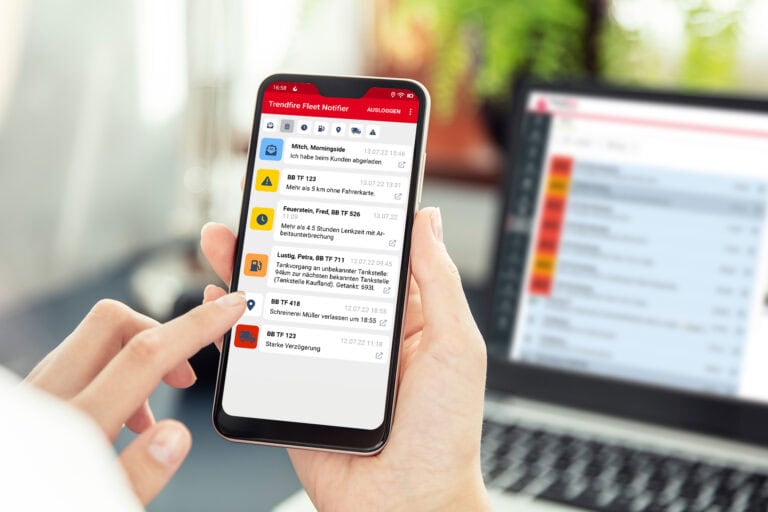
Another way to automatically evaluate forms is to based on the data entered, alarms were triggered in the telematics system This can happen. For example, if a new departure check arrives in the system with an input classified as „defective“, this form triggers an alarm and the workshop is automatically notified. Your advantage: you do not have to check new form inputs manually, but will always be in the telematics portal, via email, or push notification, if there is a real need for specific action. Like the forms, alarms and notifications can also be completely configured individually for your requirements.

Alarm, Mobile phone notification

Process steps

Process steps allow you to map complex workflows within your company. To do this, the form is divided into several sections. Each step can then be assigned to the appropriate team within the company. The example of a departure check clearly shows how practical process steps are.

  1. Step: Vehicle check by the driver.
  2. Step: To be completed in the telematics portal by a workshop employee.
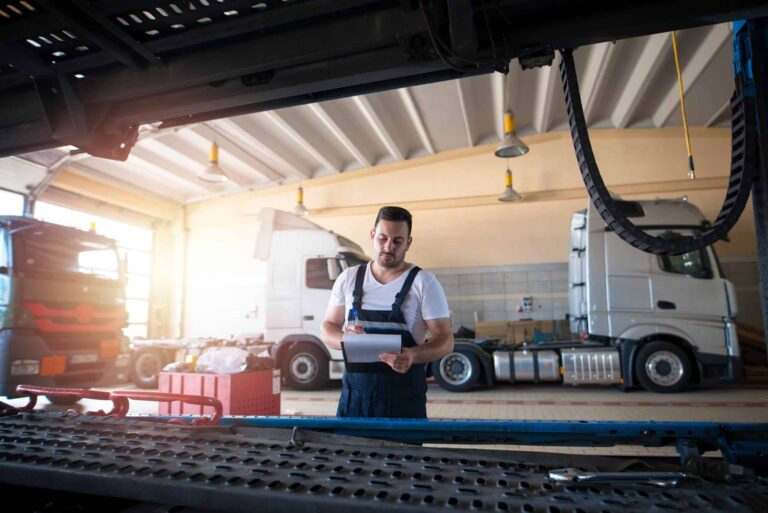
Step 2 only comes into play, if a defect was found during the vehicle inspection. In this case, there will be an automatic notification of the workshop employees, and the repair will be documented in the second section of the form. A check by fleet management could then be added as a third step.

Evaluate maintenance data and plan better
Discover our telematics system

Discover all features.

Simple evaluation

In the telematics portal, you evaluate the drivers' form entries. For further processing of the information, there are various export options available. For quick analysis, input fields or selection options can be classified. This allows you to quickly identify critical inputs where a rapid response is necessary.

Fleet management, truck telematics, dispatch

High data quality

Take data quality to new heights. Forms ensure your drivers always capture precisely the information required. Form fields can be displayed depending on preceding fields. This keeps the forms on smartphones and tablets compact and easy to navigate.

Digital Forms in the Telematics App, Trendfire Telematics

Frequently Asked Questions.Questions

Short and sweet. Honest answers.

Receive individual consultation

Is the telematics app worth it for me?

The “Trendfire Trucking” telematics app seamlessly connects drivers and headquarters. Whether it’s messages, digital forms, or order details, all relevant data is transferred error-free from the road directly to the portal for further processing. At the same time, transparent access to drivers’ performance ratings helps keep them motivated behind the wheel. The result: an efficient workflow with clear communication.

Können die erfassten Daten exportiert werden?

Alle Daten, die wir über Ihre Telematikeinheiten erhalten und verarbeiten, können Sie problemlos sichten, filtern und zur Weiterverarbeitung als Excel- oder CSV-Datei exportieren.