Should any breaches of driving and rest periods occur, roadlox automatically generates Information letter in different languages for each driver. This reduces the hassle of paperwork to a minimum. You can also review breaches on a map at a later date and prove during checks that the violation was caused, for example, by a traffic jam or the search for a parking space.
Reading driver cards & tachograph download Automatic and reliable
Are you still manually reading your fleet's driver cards? Trendfire Telematics takes this work off your hands. Send your download key into retirement.


The cockpit for your fleet. Cockpit
From vehicle inspection to complex data analysis. All in one platform.
Automatic readout
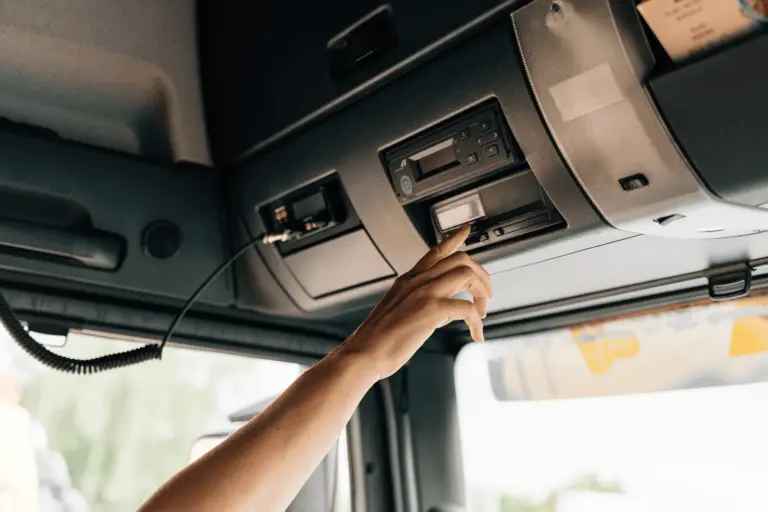
The Trendfire Telematics Solution takes care of reading the driver card for you – fully automatically.. Even during transit, the telematics unit records changes to the digital tachograph in real-time and makes the driving and rest times immediately available in the telematics portal This ensures that the latest driving and rest times are always available to the dispatch team for operational planning.

Always on time and independent of location
Thanks to the automated download of driver card data and the digital tachograph’s mass storage, you can easily comply with the legal deadlines* and requirements. Driving times are automatically downloaded at least every 28 days, regardless of where the vehicle is located. The tachograph data is downloaded simply via the mobile network.
Tacho data archiving – fully integrated
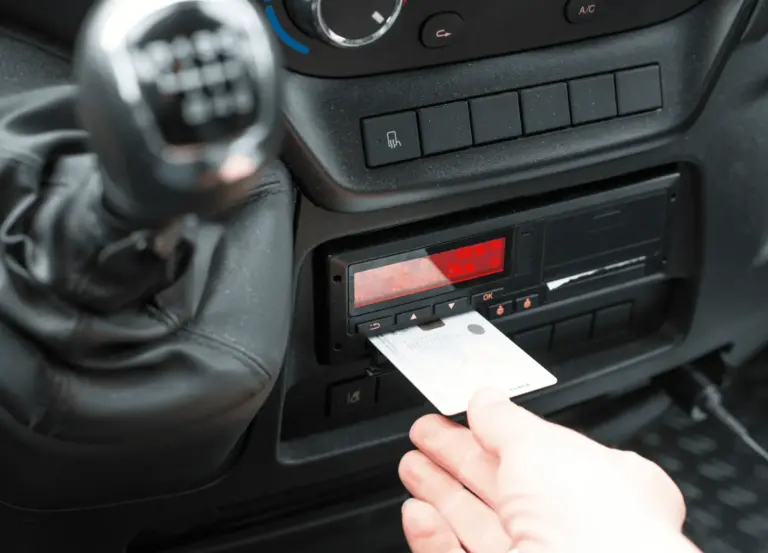
The integrated data archiving capability for the driver card and tachograph in roadlox makes an additional archiving solution unnecessary and saves you money. The archived data from the digital tachograph and driver card is seamlessly integrated into the roadlox telematics portal and is available for analysis of driving and rest times, such as instruction letters for infringements, and for export. You manage and analyse the data in one central location, making an external archiving solution obsolete. Existing data can be easily transferred to the archiving solution from roadlox.
Discover our telematics system
Discover all features.
Assess breaches
roadlox considers not only the statutory driving and rest periods, including double weeks and the minute rule, but also the Working Hours Act This gives you full control over driving times and ensures automatic compliance with legal requirements. The daily, weekly, and monthly overviews of driving and rest periods, as well as the fortnightly report, simplify your obligation to provide evidence regarding the minimum wage and can be used to generate automatic expense reports, activity reports, and more.
Save time and money
Special readers are usually required to download the driver card and your truck's digital tachograph data. Downloading takes a lot of time, often on weekends, and must be done manually. This can cause difficulties, particularly if your trucks do not visit your company premises regularly. With Trendfire’s telematics solution, all of that is a thing of the past. Save time and money, streamline processes, and improve safety. Clear status reports allow you to see at any time when the last download took place. This helps you minimise potential sources of error and ensures you meet all deadlines with ease. In addition, the company card stays where it belongs—at your company.

Automatic expense calculation
With Trendfire Expense Reporting, you can create your expense reports with the click of a button. Once set up, you can process expense calculations for a single employee or the entire workforce in just a few minutes. Handwritten receipts and incorrect details are a thing of the past. The duration of absence and the countries visited by your drivers are automatically recorded using GPS and geofencing. The Trendfire payManager automatically calculates the expenses based on this data.