Automated expense calculation Minimal effort, maximum convenience
No more paperwork and missing information. Relieve drivers and the accounting department.



The cockpit for your fleet. Cockpit
From vehicle inspection to complex data analysis. All in one platform.
Expense reports at the push of a button
Minimal effort, maximum workload alleviation.
- Generate automated expense reports for individual drivers or the entire workforce.
- Export in various formats. For seamless processing of expenses, the reports are available as an Excel spreadsheet, CSV file, PDF, or via a Datev interface.
- Country-specific allowance rates and company-specific guidelines are automatically taken into account.
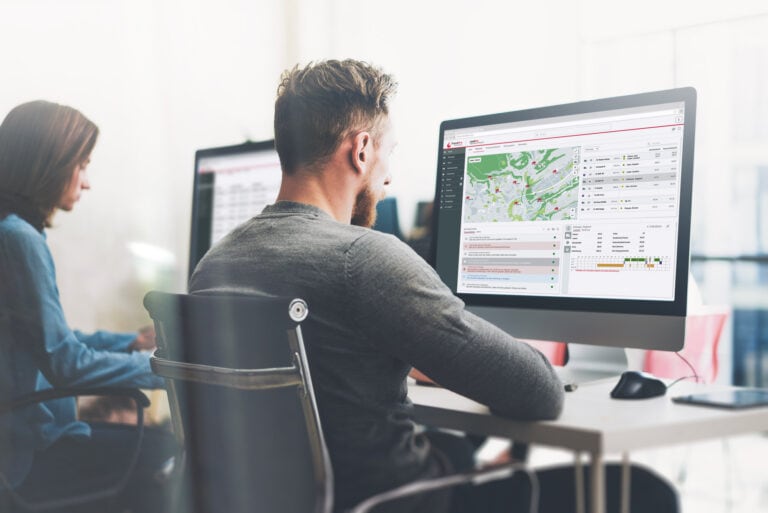
No more manual records needed
- All border crossings are recorded using GPS tracking.
- Arrival and departure at the freight forwarder's or from the place of residence are registered automatically via geofencing.
- Transparent and comprehensible.

Enter data once
Master data and personnel data are initially maintained in trendfire payManager. Our experts will be happy to assist you with the setup.
- Record master data
- Enter place of residence and first place of work
- Define internal expense rates

Discover all features.
Precise data
By automatically capturing all expense-related information, you minimise many sources of error while simultaneously increasing the quality of the data.
- Manual entries and expense sheets are completely eliminated.
- No more lengthy data checks.
- No data gaps due to missing details.
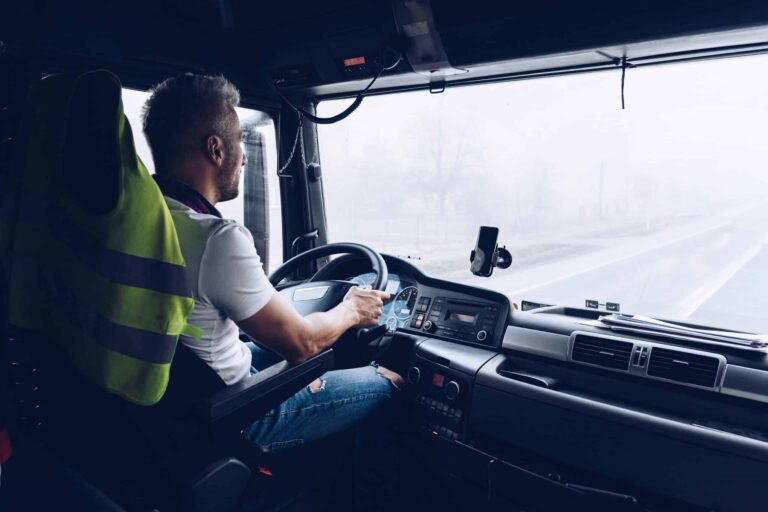
Individually configurable
With our experts, you can implement your individual expense configuration according to your wishes. Company-specific expense rates and individual expense regulations can be taken into account. We look forward to taking your expense accounting to a new level.

Export in various formats
For a smooth processing of expenses, the reports are available to you as an Excel spreadsheet, CSV file, PDF or via DATEV interface.