Alarms & notifications Always fully informed
Stay informed when it matters.

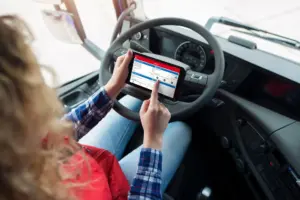
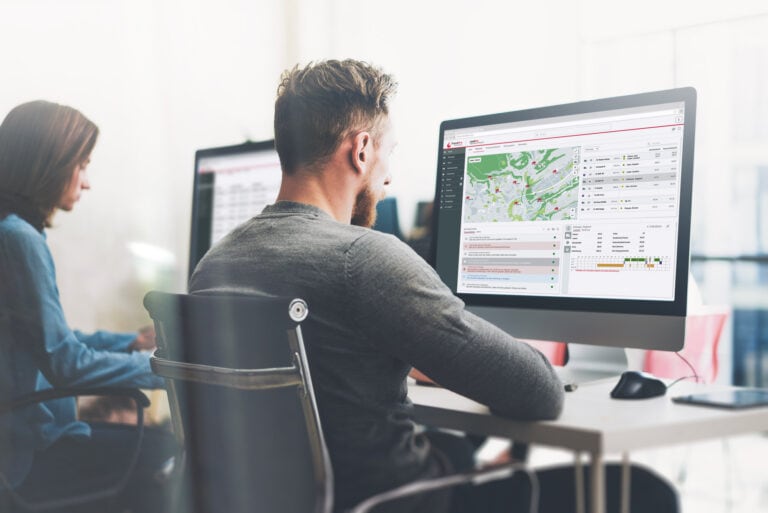
The cockpit for your fleet. Cockpit
From vehicle inspection to complex data analysis. All in one platform.
All important events at a glance
You can set up alarms individually for different events.
- Driving styleexcessive speed or strong acceleration
- Critical form inputs e.g. a defect in the vehicle was noted during the Pre-departure check
- Fuel loss or refuelling operations
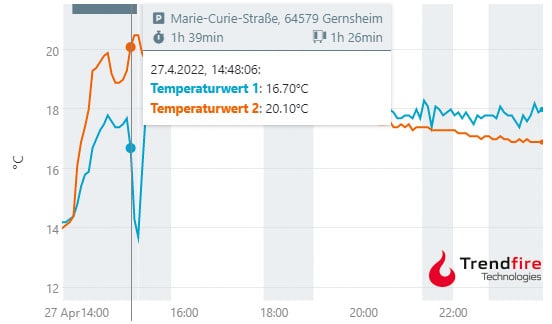
- Exceeding or falling short of Temperature thresholds
- Geofencing and area monitoring of any zones: Notification upon entry, exit, or defined staying time
- Reports of the digital tachograph
- Driving time- and working time violations
- tire pressure and tire temperature
- Vehicle messages such as error messages or low AdBlue level
Inform the right contact person at the right time
Who is informed, when and about what – it’s entirely up to you. Not only the events that trigger an alarm can be configured with the flexible alarm system. You can individually set the recipient, the type of notification, and the period within which a notification should occur. The Trendfire telematics system offers you maximum flexibility and, as a result, a wide range of options for digitizing and automating workflows and processes within your business.
- Deliver alarm notifications at various times over other channels. Weekdays by Email, and at the weekend Push notifications to the smartphone.
- Alarms for individual vehicles or vehicle groups in particular.
- Inform the employee to act. Workshop, scheduling, management, etc.
- Appointment management, forms, alarms, and notifications work hand in hand. Automate routine tasks and eliminate time-wasters and cost-drains.
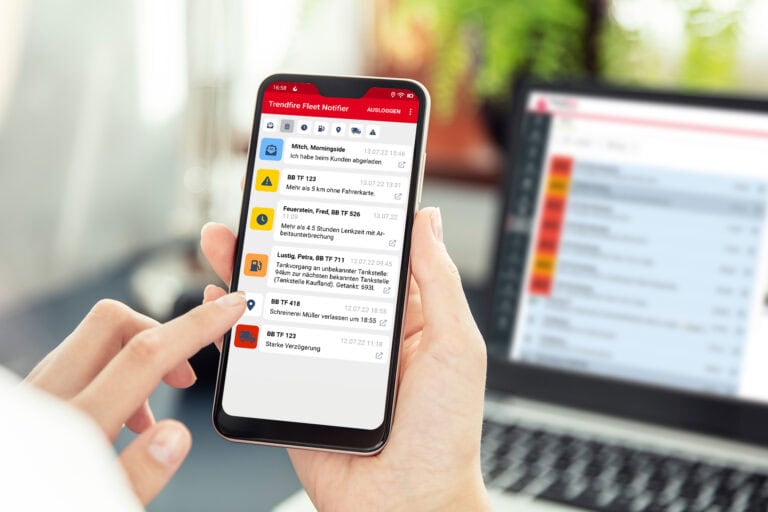
Notification by email, by app and in the browser
Notifications can occur in many ways. Depending on the use case, you can customize the notifications individually.
Discover all features.
Take the right steps
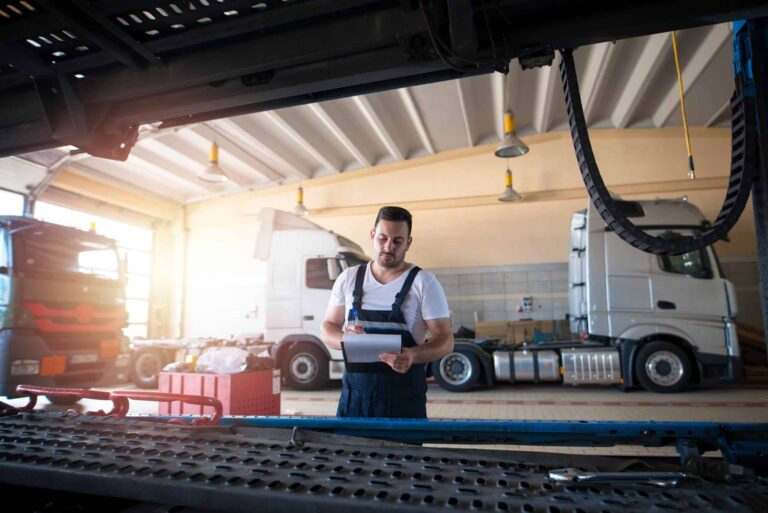
The alarm system offers many possibilities to react to events and automate processes within the business. The example of the departure check perfectly illustrates how the Telematics app the digital forms and the alarm system work together. As part of the daily pre-departure check, which can be carried out very easily using the Trendfire telematics app and a form – the driver records any faults with their vehicle. The telematics system then generates a alarm. The workshop and the staff in dispatch will automatically get notified by email or push notification and can schedule the repair for the coming days. The workshop can order the necessary parts in advance and thus reduce their downtime to an absolute minimum.
Geofencing
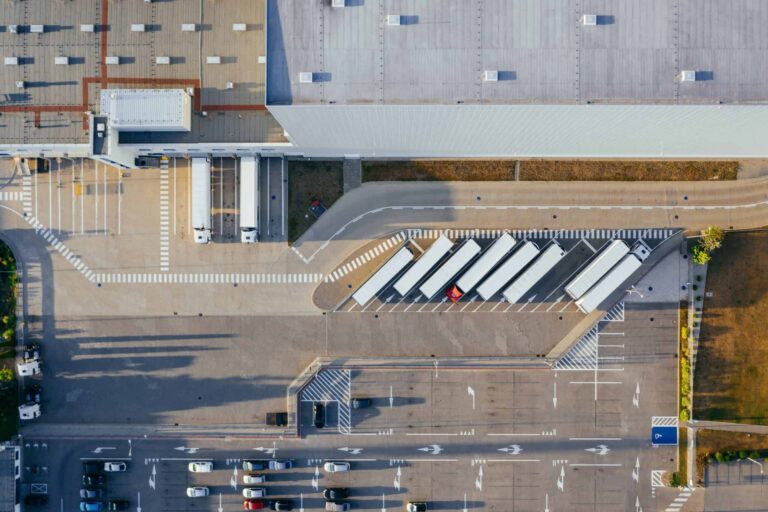
Geofencing, also known as area or location monitoring, is a valuable and practical addition to GPS tracking. Through Geofencing you define an area on the map and that area will then be automatically monitored. If a vehicle enters or leaves this area, you will be notified via the alarm system immediately. Practical use cases for Geofencing are, for example:
- Information for your customers on the imminent arrival at their stop
- Documentation of waiting times on a client's factory premises
- Recognize unauthorised use at the weekend
- Theft alert
Temperature monitoring
Monitor and document temperature-controlled transport and fragile goods reliably. Whether your trailer is connected through the interface or with Trendfire Trailer Telematics and wireless sensors are equipped, as soon as the temperature exceeds or falls below the set limit, you and the driver will be informed immediately and can take appropriate action.