Telematics app Mobile tools for your drivers
Communicate clearly and concisely.

The cockpit for your fleet. Cockpit
From vehicle inspection to complex data analysis. All in one platform.
Communication is key
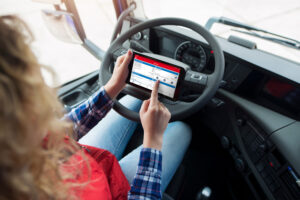
Fast and unambiguous communication between dispatch and drivers is an important prerequisite for the smooth running of transport orders. The telematics app “Trendfire Trucking” is the perfect tool for this. Our app is your direct line to the driver. Messages, addresses, orders, pictures, and freight documents can be conveniently exchanged. The benefits for transport companies are clear: All status information throughout the supply chain is always clearly visible, communication remains traceable, misinformation is avoided, and processes can be streamlined.

Professional tool
In a few steps, you can turn a standard Android smartphone or tablet into a professional tool for your everyday use. To prevent private use of devices, you can specifically block and allow access to certain apps.
TMS integration for orders and tours
Trendfire Telematics and your Transport Management System complement each other perfectly. Together, they elevate the efficiency of your operations to a whole new level. All relevant route information is transmitted from the TMS to the Trendfire telematics system via an interface, thus reaching the driver. In the telematics app, the driver gets a quick overview of all stops – from the address to packages, loading equipment, and delivery notes. Orders can be processed paperlessly and documented seamlessly. You don't use a TMS? No problem. Simply use the route planning feature integrated into our telematics solution to link stops and charging information to tours and send them to the driver.

Discover all features.
Fully document charging processes
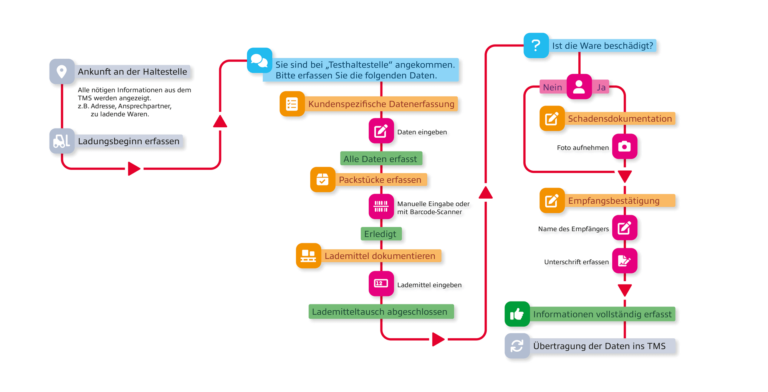
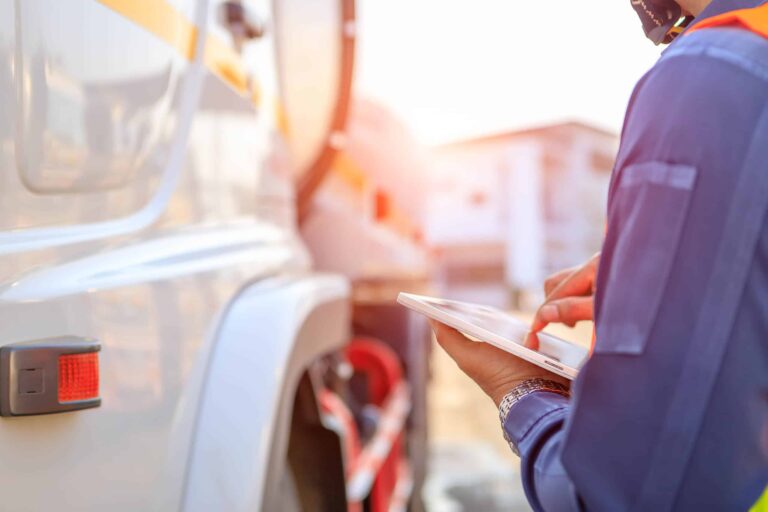
With the transport management system and the Trendfire telematics app, drivers receive orders and stops directly on their mobile devices in the truck. For each stop, load-specific workflows and forms can be defined in advance that must be followed during the loading process. The driver is guided step-by-step through the process of entering all required information. This ensures that all information has been captured. The information and status updates entered by the driver are seamlessly transferred back to the TMS, and the dispatcher has a clear view of the current shipment status, vehicle location, and estimated time of arrival (ETA), enabling them to provide detailed updates to clients at any time. This way, all parties involved in a transport order are kept informed at all times.
Flexible Forms
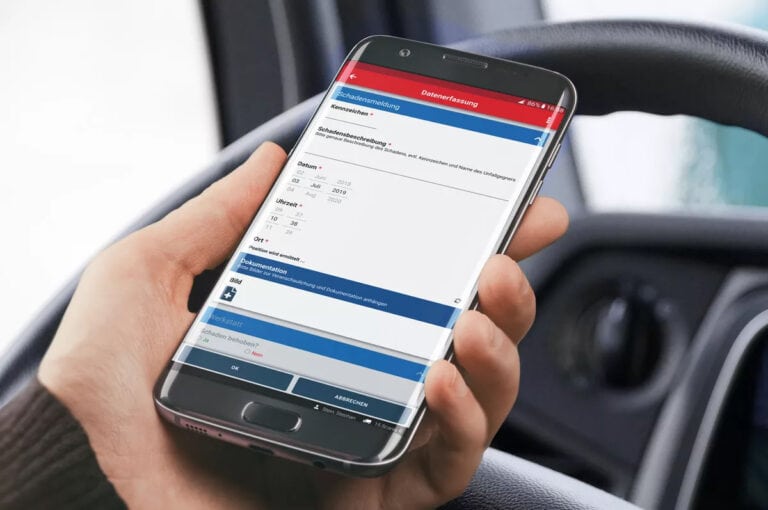
Recurring information can be entered using flexible forms. These can be customized to meet your specific needs. For example, for
- Departure checks
- Claims
- Vacation Request
- or other checklists.

Document Management in the Telematics App
The integrated document management system streamlines access to manuals, vehicle registration documents, work instructions, cleaning schedules, and certificates. You can access these documents directly from your smartphone or tablet. This helps you save a lot of paper, and your drivers always have the most up-to-date documents on hand.
Driver Style Analysis & Driver Evaluation
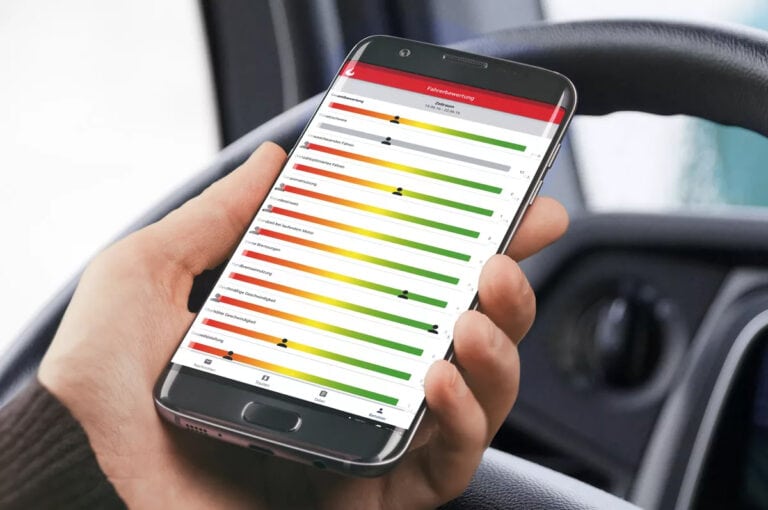
The driver rating is also integrated into the telematics app and available to drivers. Your drivers can view their own driving style and route profile ratings at any time. The assessment is as transparent and clear as possible. This allows everyone to understand their driving behavior and continuously improve it. Experience has shown that the rating can motivate drivers and already leads to lower diesel consumption in just a few weeks. It also leads to improved driving behaviour and thus to significant cost savings. Use the information on driving style to provide ongoing training for your drivers.
Driving time – Working time
The current driving and working hours are also available to driving personnel in the telematics app. Notifications about upcoming breaks or driving time violations are also included in the app, as is the tracking of working hours for activities not recorded by the tachograph.
Up-to-date toll costs
The removal of the toll amount display on the vehicle's on-board unit caused a lot of controversy. With the telematics app, drivers are once again informed about the current toll amount and can retrieve and summarise the charges for driven routes on a daily basis. This allows the incurred toll to be documented directly for the customer on delivery documents.
Truck navigation
Enhance your telematics app with professional truck navigation that allows you to configure truck-specific settings. For quick and error-free operation, our messaging and tour modules are seamlessly integrated to the truck navigation.